STEM OPT Application Process
To begin your STEM OPT application follow these steps in sequential order. Prior to initiating a request with OISS you will need a completed I-983 Training Plan [1] from your employer, so be sure you have the signed form saved as a PDF. While electronic signatures [2] are permitted, only certain signature formats are accepted. Note that employers are obligated [3] to complete specific sections of the form, it cannot be written by the student.
Your first application step is to submit a STEM OPT request in OISS Connect and receive a new I-20 recommending STEM OPT before you create your USCIS application. If you submit your STEM OPT application without this new I-20, USCIS will deny your case.
To create and submit your STEM OPT Request you should open a Chrome (recommended) or Firefox browser and use this link to log in to OISS Connect [4]. ONLY CLICK ONCE! If you are returning to work on your request, log in to connect.oiss.yale.edu [5] to edit your pending request on your profile page.
After logging into OISS Connect you should select the 'Request, (current year)' option.
Once you have created your STEM OPT record, you will have several steps to complete:
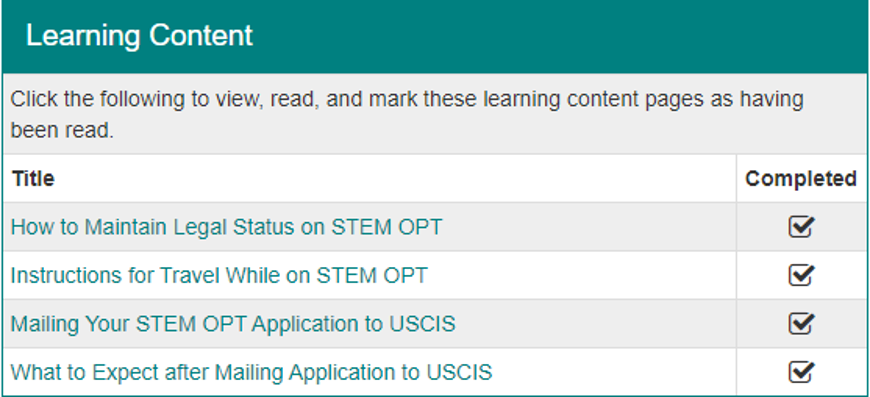
- Review each 'Learning Content' item and mark it as having been read. Click here for example.
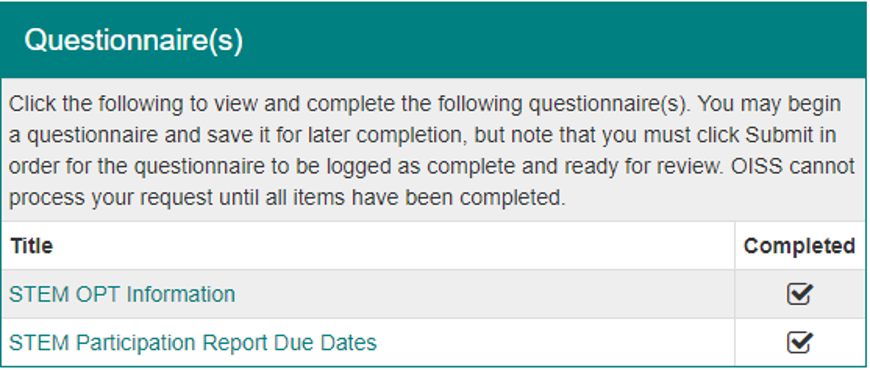
- Submit each questionnaire in the 'Questionnaire(s)' section. Click here for example.
Note that this is where you will upload your I-983 Training Plan [1], so be sure you have the completed and signed form saved the PDF. The STEM OPT Employment Information questionnaire has several instructions, please read them carefully.
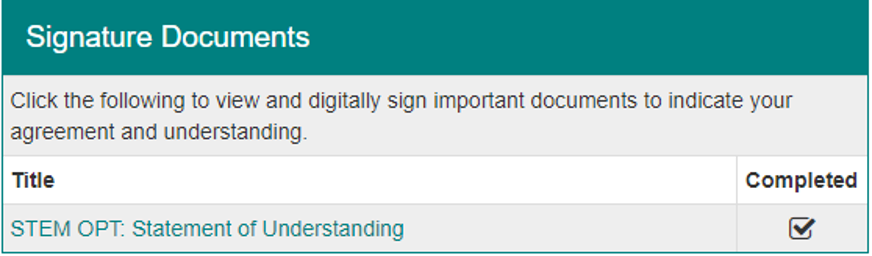
- Read and digitally sign the 'STEM OPT Statement of Understanding' in the 'Signature Documents' section. Click here for example.
- After each item has been marked 'Completed' be sure you return to the top of the page and click the Submit button. If you do not click this button, OISS cannot process your request. Click here for example.

Your OISS adviser will review your STEM OPT request. They may suggest that you make an appointment if there are things to discuss prior to issuing your I-20. Once your I-20 has been issued, you will receive an email notification along with instructions on how to submit your application to USCIS for processing. You cannot proceed any further with your STEM OPT application until you have the new STEM OPT I-20 from OISS.
Be sure you give OISS 5-7 business days to review your request.
If you have your new I-20 recommending STEM OPT, then you are ready to submit your STEM OPT application to USCIS for processing. There are two ways to submit your STEM OPT application: online or by mail. OISS recommends applying online by creating a USCIS account which will allow you to get a receipt immediately and check for updates while the application is pending. Please note that the application instructions are different based on the method of filing you choose. Click the relevant button below based on how you would like to file your STEM OPT application.